

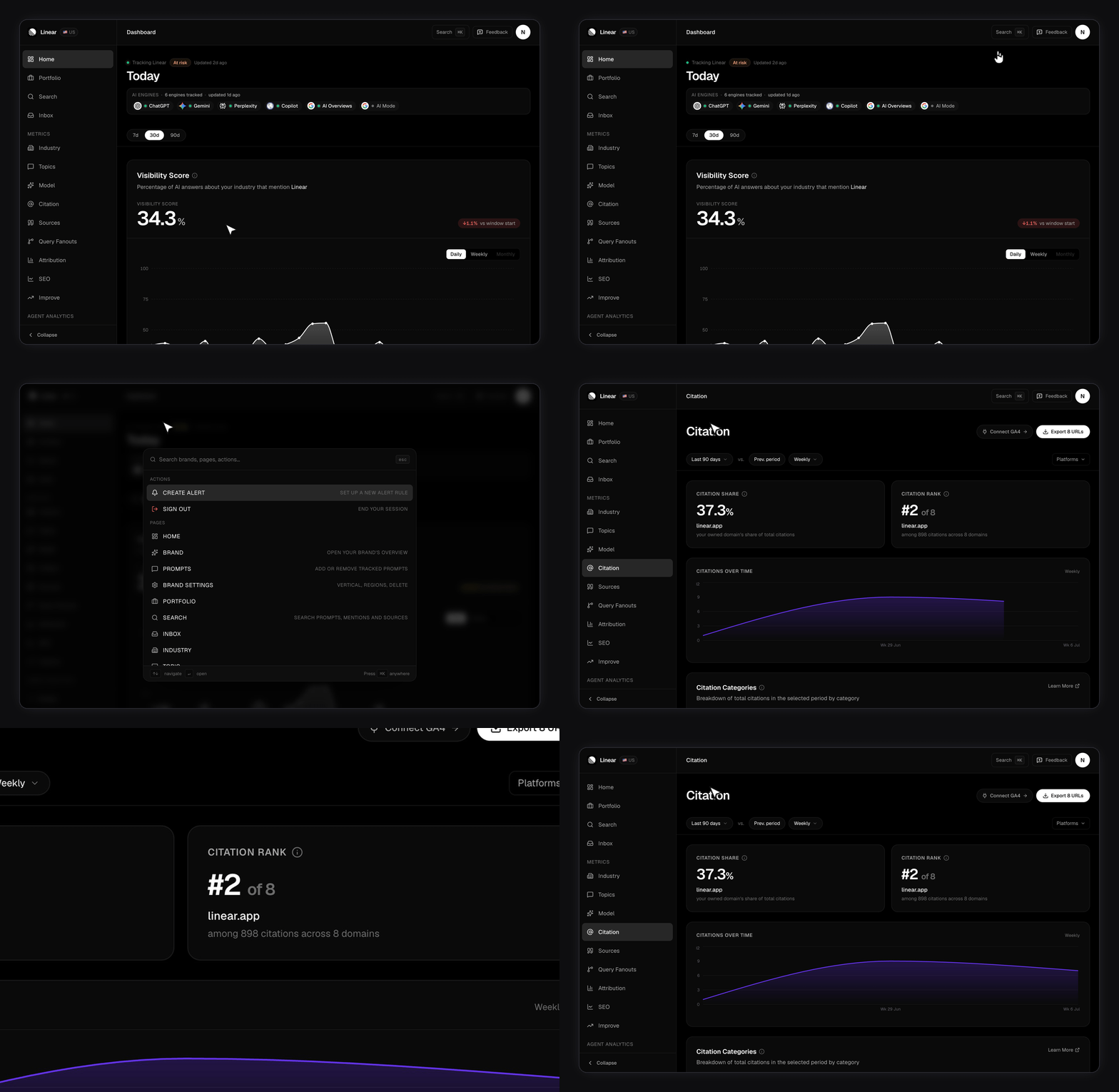
Top of the sidebar
The first two entries sit above every group and carry no heading.
On a paid plan the AI Marketer is your app home — it’s the screen you land on after signing in. Portfolio only appears once you track more than one brand.
Analytics
This group holds two areas. Each area opens as one screen with tabs across the top, not as a row of separate links. Answer Engine Insights — the nine tabs that measure how AI engines see you:
Agent Analytics — two tabs that read your server logs to show which AI crawlers reach your site:
Action
Where you turn findings into work.Context
Where you set up what everything else measures.Two things named “Agent” do different jobs. The AI Marketer and the
Agents screen (in Action) do work for you — planning, drafting, and
running workflows that always wait for your review. The Agent Analytics
area (in Analytics) is unrelated: it reads server logs to show which AI
crawlers visit your site. Same word, different jobs.
Reaching Search and Inbox
Search and Inbox no longer have their own sidebar rows. Open them — and jump to any screen — from the command palette (⌘K), where they’re listed by name.- Search — find any brand, prompt, mention, or source across the app.
- Inbox — the alerts that fired, and whether you’ve read them.
Where the names differ
A few labels read differently in the sidebar, on the page, and in these docs.- The Overview tab opens a page titled Today.
- The SEO tab opens a page titled Search performance.
- The Industry tab is documented as Industry benchmarks.
- The Topics tab is documented as Topics and labels.
- Crawl insights is documented as Agent analytics.
What’s hidden, and when?
Two entries are conditional on how many brands you track.- Portfolio shows only at two or more brands. Over a single brand it would just be a worse home screen.
- Brands shows at two or more brands, or when you have one brand and are still under your plan’s brand cap.
The Free plan tracks one brand, so both entries stay hidden there.
They appear as soon as your plan has room for a second brand. See
Plans and limits.
Related
AI Marketer
The assistant that reads your data and drafts the work.
Team and workspaces
Invite teammates, assign roles, switch workspaces.
Usage
Live counters and the AI Marketer credit meter.
Email notifications
The emails FixAEO sends, and how to turn each category off.
Plans and limits
What each plan includes, and how limits behave.
Single sign-on and SCIM
Connect OIDC SSO and directory sync on Enterprise.