

How many should you start with?
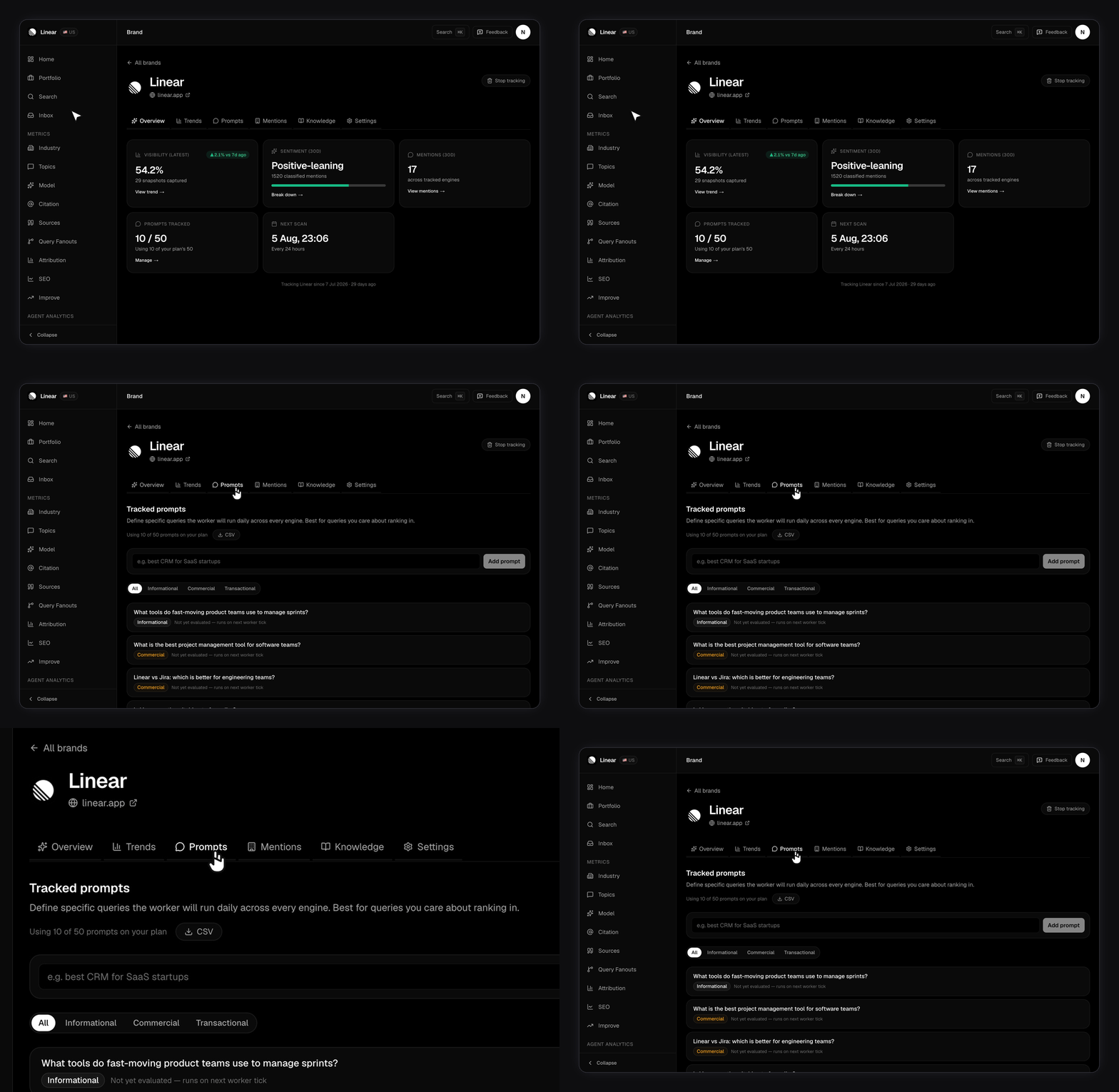
Fifteen. That’s what the setup wizard selects for you, and it’s a good first list regardless of plan. Setup writes eight prompts for each topic you picked and pre-selects 15 of them, spread across your topics rather than concentrated in one.The 15-prompt ceiling applies to your first brand on every plan. If your plan allows more, finish setup first, then add the rest from your brand’s Tracking questions panel. When you add a later brand, the wizard caps you at whatever’s left in your account-wide pool instead.
How the shared prompt pool works
This is the part that trips people up, so read it twice. Your prompt limit is account-wide, not per brand. All your brands draw from one pool. Say you’re on Growth with 50 prompts and three brands. You could run 30 on your main brand, 15 on the second, and 5 on the third. The split is yours to choose. What you can’t do is run 50 on each. Two consequences:- Adding a brand can fail at the prompt limit because of prompts already on another brand. Free up room or upgrade.
- At the cap, adding a prompt is rejected. Remove one first.
Branded vs non-branded prompts
Both belong in your list, but they answer different questions. Branded prompts name you. They measure how AI models describe you when someone already knows you exist.Is Linear good for bug tracking? What does Stripe charge for international payments?Non-branded prompts describe the need, not the vendor. Nobody’s name is in them. This is where visibility is won or lost, because the model chooses who to name.
What’s the best issue tracker for a small engineering team? How do I accept payments in a SaaS app?Comparison prompts pit you against a rival. High purchase intent, and the fastest way to see how you’re framed.
Notion vs Confluence for engineering documentation Linear or Jira for a startupMost of your list should be non-branded. Branded prompts tell you how you’re described. Non-branded prompts tell you whether you’re described at all, and they’re what populates your rival list. See Tracking competitors.
What makes a good prompt?
Good prompts
Good prompts
- Sound like a person typed them, not a keyword tool.
- Ask one thing. A prompt with three questions gets a scattered answer.
- Stay true a year from now. Avoid dates and version numbers.
- Stay short. One sentence is plenty.
Bad prompts
Bad prompts
- Keyword strings: “best crm software cheap small business”.
- Yes or no questions. They leave the model no room to name brands.
- Questions only your own docs could answer. You’ll always win, and you’ll learn nothing.
- Near-duplicates of a prompt you already track. They cost you a slot and tell you nothing new.
How much work is behind your list?
Each prompt runs once per engine, per scan. A brand with 15 prompts on a six-engine plan captures up to 90 answers per scan day. A brand has one scan region today, so the region doesn’t multiply anything (a scan is prompts × engines, not × regions). Multi-region tracking is on the roadmap. See Your brand profile for how it’s set.Editing your list later
Add and remove prompts from the Tracking questions panel.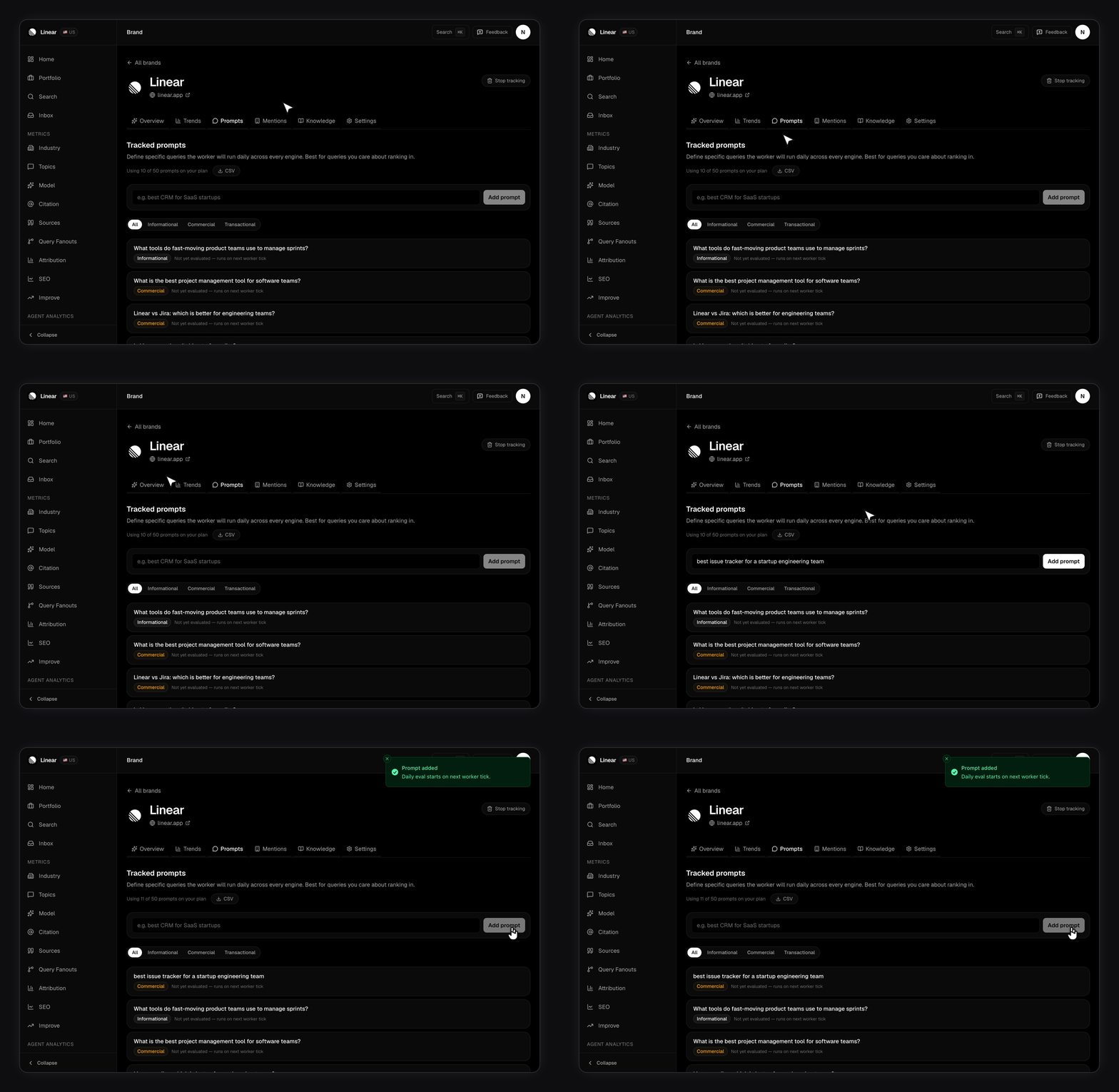
- New prompts start running on your next scan.
- Removing a prompt keeps its past snapshots. Your history doesn’t disappear.
- A prompt you already track won’t be added twice.