

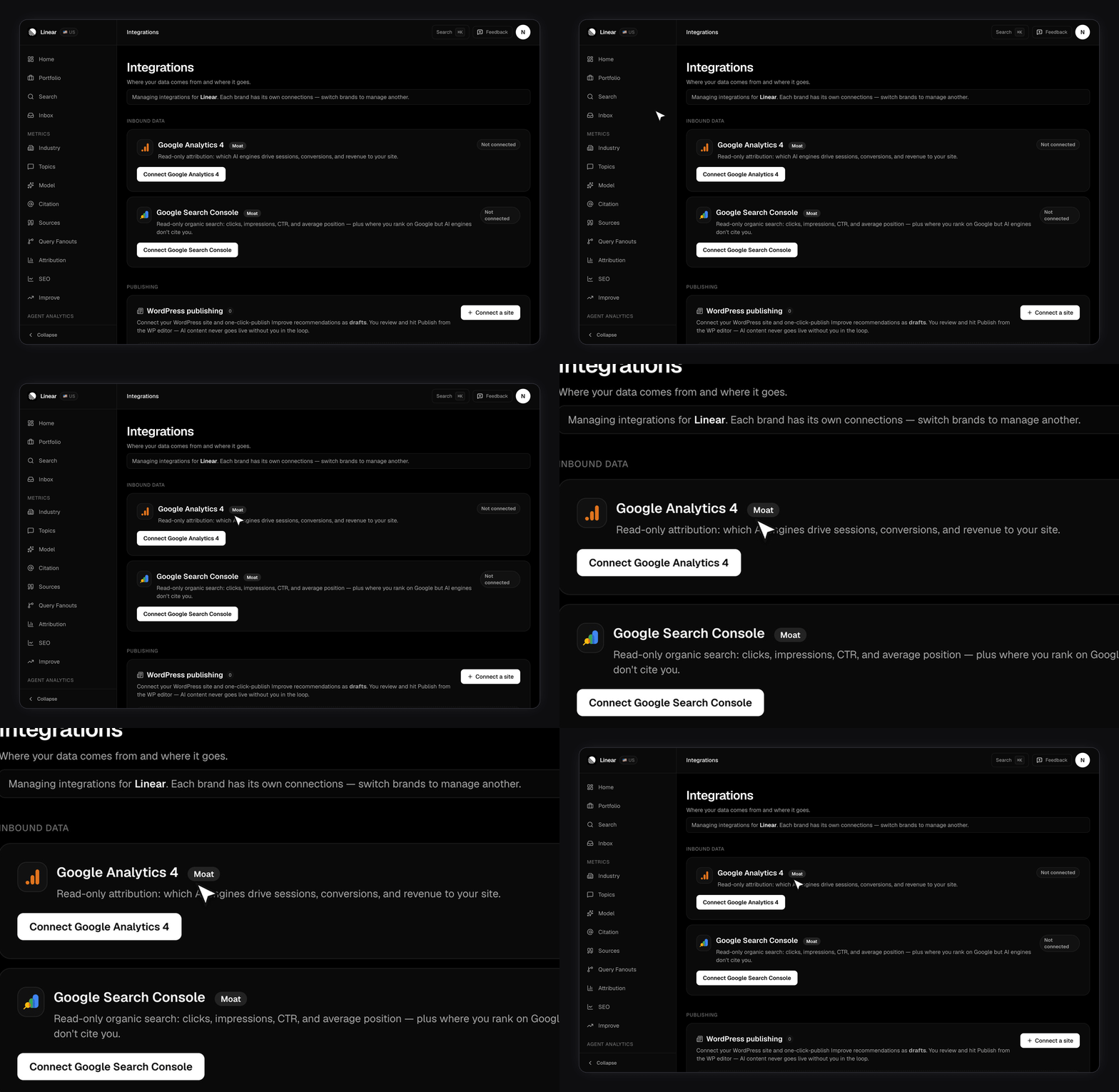
Connect it
1
Open Integrations in the app
Find the Google Analytics 4 card and click Connect.
2
Approve read-only access
FixAEO asks Google for read-only analytics access. It can’t change your property, your events, or your goals.
3
Pick a property
Google returns every GA4 property you can see. Choose the one that matches this brand’s website.
How does FixAEO decide a session came from AI?
It reads GA4’ssessionSource on every session and matches it against a fixed list of AI hostnames. A match tags the session with an engine:
Anything else is ignored. FixAEO pulls date, source, landing page, and country, then syncs hourly.
What you get
Attribution page. Three tiles for AI sessions, AI conversions, and AI revenue, with a chart you can switch between all three. Below that, a per-engine bar chart and your top landing pages. Revenue uses your GA4 property’s own reporting currency. Dashboard card. Once connected, an AI attribution snapshot appears on your dashboard alongside your visibility numbers. Industry overlay. Industry benchmarks can overlay GA4 traffic on the share-of-voice chart, so you can see whether a share gain moved anything real. Until you connect, the Attribution page shows a connect prompt rather than empty charts.Reading the landing pages report
The landing page list is the most actionable part. It tells you which of your pages AI assistants are sending people to, which is usually a shorter list than you’d guess.Disconnecting
Disconnecting stops the hourly sync. Data already pulled stays where it is. You can reconnect or switch to a different property at any time from the same card.Related pages
- Google Search Console — the ranking half, plus the rank-but-not-cited gap
- Agent analytics — AI crawlers hitting your site, which GA4 can’t see
- Metrics overview — how every FixAEO number is defined