

What you need first
1
Track a brand
Everything on this page rolls up to one brand. With no brands, you get an “Add a brand” card.
2
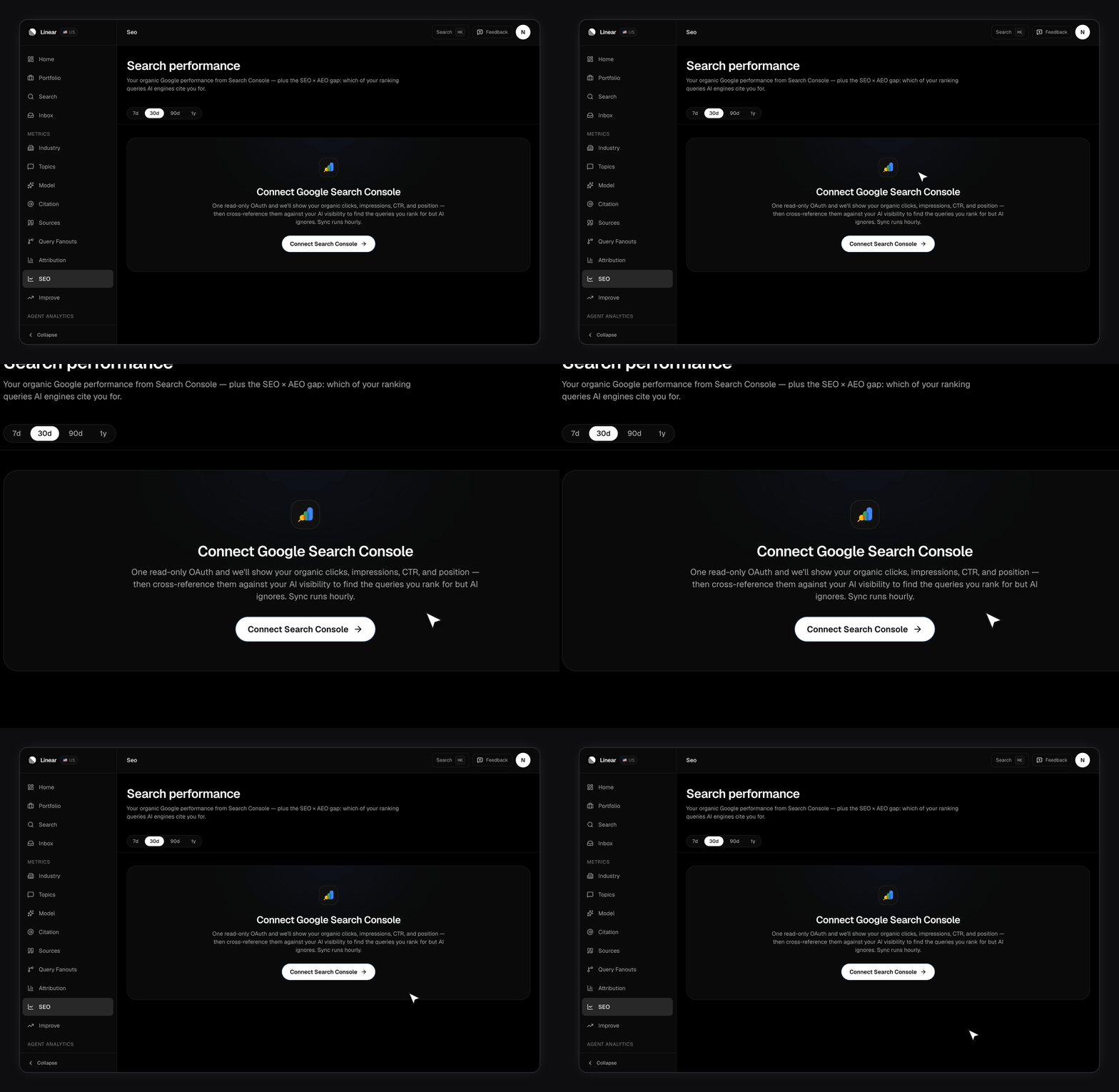
Connect Search Console on a paid plan
Both connecting and reading are gated to paid plans. See Plans and limits.
3
Pick a verified site
OAuth alone isn’t enough. Until you select one of your verified sites, the page shows “Pick a Search Console site”.
What do the four tiles mean?
Click any tile to change what the chart below plots.
Clicks and impressions are sums across the range. The other two aren’t. CTR is your total clicks over your total impressions, and average position is weighted by impressions rather than averaged day by day. A day where you ranked second on two impressions doesn’t get equal weight with a day where you ranked ninth on two thousand.
Reading the trend chart
The chart plots the selected metric over your chosen range: 7, 30, 90, or 365 days. You can switch it between daily, weekly, and monthly. Weekly unlocks at 14 days of data, monthly at 60. Weekly and monthly buckets add up clicks and impressions, then work out CTR and position across the whole bucket. Neither of those two is ever summed. For average position the vertical axis is flipped, so better rankings sit higher on the chart the way you’d expect.The last two or three days are usually missing. That’s Google, not FixAEO — Search Console finalises data on a lag, so the sync deliberately stops short rather than plotting a partial day as a crash.
Top queries, top pages, and countries
Three tables sit under the chart. Top queries and top pages are shown ten rows at a time. Countries displays the top eight next to a donut, with each country’s share of your clicks. Query and page rows are ranked by clicks, with impressions and position worked out across the whole window rather than copied from any single day.What is the rank-but-not-cited gap?
This is the card the rest of the page exists to support. It is labelled “SEO × AEO gap” in the app. FixAEO takes your top 50 organic queries by clicks for the selected range and asks, for each one, whether you’re tracking it as an AI prompt and whether AI answers mention you. Every query lands in one of three states.
A Google query and a tracked prompt rarely read word for word the same, so the match allows for differences in wording. Once matched, FixAEO reads your recent answers for that prompt and asks a single question: did any of them mention the brand?
The table is ordered so the rows worth working sit at the top. It favours queries where you rank well and still earn real clicks, because those are the ones where AI’s silence costs you most.
The AI half reads one region — your brand’s own scan region, not a fixed US window. A UK brand is checked against UK answers. If you track several regions, check Citations before acting on a row.
Suggested prompts from your Google searches
The last card clusters the organic queries you aren’t tracking into AI prompts worth watching. Each suggestion lists the searches it covers and why it matters, with a Track button that behaves like the gap card’s. Two things run on different rules here:- Opening the page is free. The existing list loads every time, with no model call.
- Refreshing costs a model call. It runs only when you press the button. Never on load, never on a timer.
How fresh is the data?
FixAEO syncs every active connection through the day. The header shows when your last pull landed. The first sync after you connect backfills about 13 months, so the 365-day range has something in it straight away. After that, recent days keep being re-pulled as Google finalises them. If Google revokes access, syncing stops and a red banner appears at the top of the page. Nothing below it is updating at that point, so reconnect before reading the numbers.Limits worth knowing
- Paid only. Free accounts can’t connect or read this page.
- One site per brand. A brand covering several verified properties needs several brands.
- The gap needs both halves. No tracked prompts means every query reads as “Not tracked”, however well you rank.
- Google’s own filtering applies. Search Console withholds low-volume and privacy-sensitive queries, so the query table is never the complete set.
Related pages
- Google Search Console — connecting and reconnecting
- Citations — which answers actually mention you, per engine
- Sources — the domains engines cite instead of you
- Attribution — the traffic and revenue half, from Google Analytics